
iOS app development continues to be one of the most lucrative and rewarding career paths in tech. Whether you’re a complete beginner wondering “can I do iOS app development on Windows?” or someone ready to dive deep into Swift programming, this comprehensive guide covers everything you need to know to start your iOS development journey.
Table of Contents
What is iOS App Development?
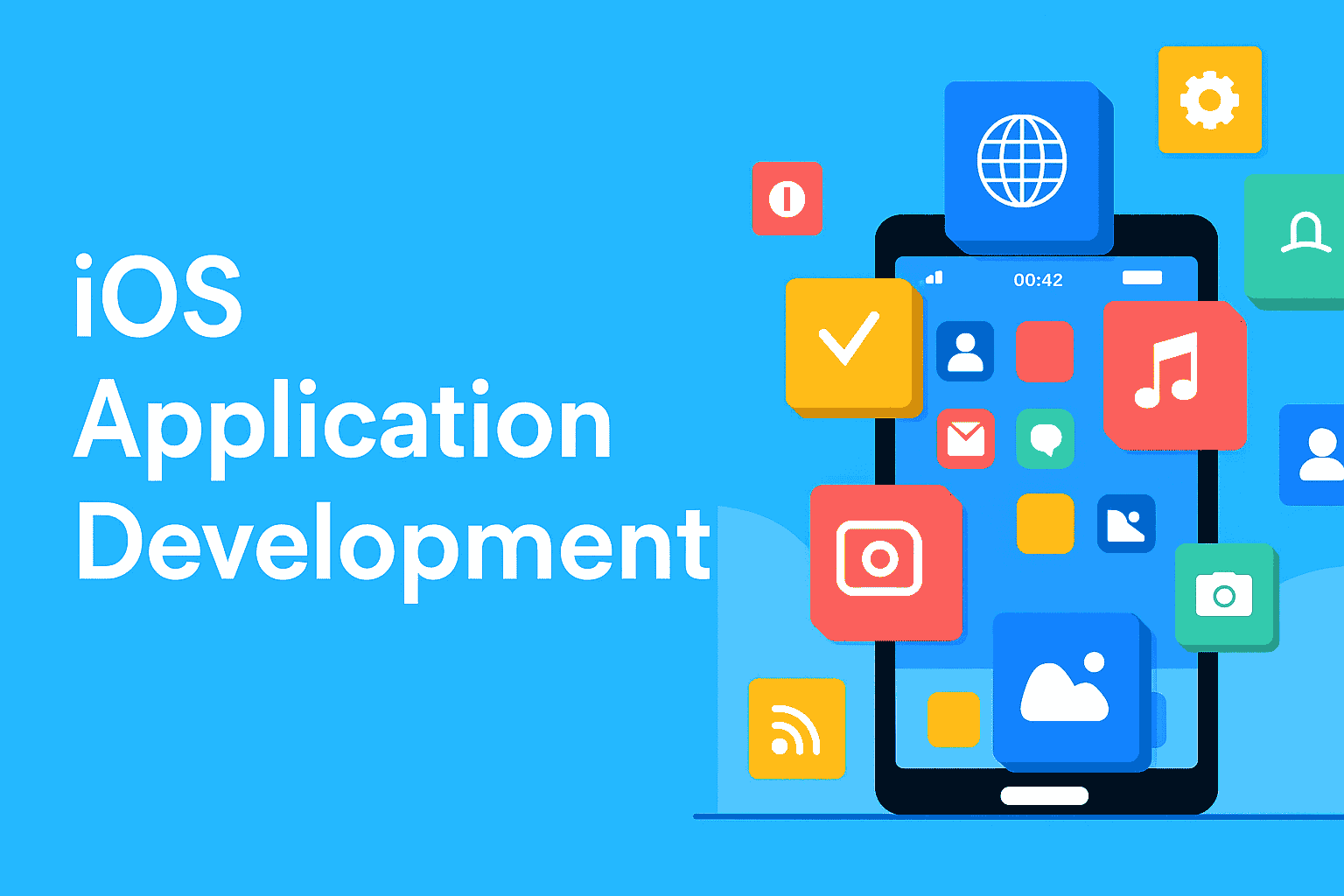
iOS app development is the process of creating mobile applications for Apple’s iOS operating system, which powers iPhones, iPads, and iPod Touch devices. With over 1.8 billion active Apple devices worldwide, iOS development offers tremendous opportunities for developers to reach a global audience.
Key Benefits of iOS Development:
- Higher Revenue Potential: iOS users typically spend more on apps
- Premium User Base: Apple device users often have higher disposable income
- Streamlined Ecosystem: Fewer device variations to support
- Strong Security: Apple’s strict App Store guidelines ensure quality
- Advanced Development Tools: Xcode provides excellent development environment
Getting Started: Requirements and Setup
System Requirements
| Component | Requirement |
|---|---|
| Operating System | macOS 12.0 or later |
| RAM | 8GB minimum, 16GB recommended |
| Storage | 100GB+ free space |
| Processor | Intel or Apple Silicon Mac |
| Xcode Version | Latest stable version |
Essential Software Stack
- Xcode – Apple’s official IDE
- Swift – Primary programming language
- CocoaPods/Swift Package Manager – Dependency management
- Git – Version control
- Simulator – Device testing
iOS Development on Different Platforms
Can You Do iOS App Development on Windows?
This is one of the most frequently asked questions by aspiring developers. The short answer is: it’s challenging but possible with workarounds.
Official Method: No
Apple officially requires macOS to develop iOS apps using Xcode. This is Apple’s strategy to maintain ecosystem control and ensure quality.
Alternative Solutions:
| Method | Pros | Cons | Recommendation |
|---|---|---|---|
| Virtual Machine | Cost-effective | Performance issues, legal concerns | Not recommended |
| Cloud Mac Services | Legal, full functionality | Monthly costs, internet dependency | Good option |
| Cross-Platform Tools | Works on Windows | Limited native features | For simple apps only |
| Hackintosh | Full macOS experience | Complex setup, stability issues | Risk involved |
Cross-Platform Development Options:
- React Native: JavaScript-based development
- Flutter: Google’s UI toolkit using Dart
- Xamarin: Microsoft’s C#-based solution
- Ionic: Web-based hybrid apps
Learning Path for Beginners
Phase 1: Foundations (2-4 weeks)
- Learn Swift programming fundamentals
- Understand iOS design principles
- Familiarize with Xcode interface
- Create your first “Hello World” app
Phase 2: Core Concepts (4-8 weeks)
- UI components and Auto Layout
- Navigation and view controllers
- Data persistence (Core Data, UserDefaults)
- Networking and API integration
Phase 3: Advanced Features (8-12 weeks)
- Camera and photo library integration
- Push notifications
- App Store Connect and publishing
- Performance optimization
Phase 4: Professional Development (Ongoing)
- Advanced Swift concepts
- Architecture patterns (MVVM, VIPER)
- Testing and debugging
- Continuous integration/deployment
Development Costs and Investment
Initial Setup Costs
| Item | Cost Range | Notes |
|---|---|---|
| Mac Computer | $1,000 – $3,000+ | One-time investment |
| Apple Developer Account | $99/year | Required for App Store |
| Learning Resources | $0 – $500 | Books, courses, tutorials |
| Design Tools | $0 – $50/month | Sketch, Figma, Adobe XD |
Ongoing Development Costs
For Individual Developers:
- Time Investment: 3-6 months to become proficient
- Annual Developer Fee: $99
- Optional Tools: $0-$100/month
For Businesses Hiring Developers:
- Junior Developer: $60,000 – $80,000/year
- Senior Developer: $100,000 – $150,000/year
- Freelance Projects: $5,000 – $50,000+ per app
Factors Affecting Development Costs:
- App Complexity: Simple apps vs. complex enterprise solutions
- Design Requirements: Custom UI vs. standard components
- Backend Integration: Simple APIs vs. complex server architecture
- Third-party Services: Payment processing, analytics, etc.
- Testing Requirements: Manual testing vs. automated testing suites
Essential Tools and Technologies
Development Environment
- Xcode: Apple’s integrated development environment
- Swift Playgrounds: Learning and prototyping tool
- Instruments: Performance analysis and debugging
Design and Prototyping
- Sketch: Vector-based design tool
- Figma: Collaborative design platform
- Adobe XD: UI/UX design and prototyping
Version Control and Collaboration
- Git: Distributed version control system
- GitHub/GitLab: Repository hosting and collaboration
- Sourcetree: Git GUI client
Testing and Quality Assurance
- XCTest: Apple’s testing framework
- TestFlight: Beta testing platform
- Firebase Test Lab: Cloud-based testing
Certificates and Provisioning Profiles
Understanding certificates and provisioning profiles is crucial for iOS development success.
iOS Development Certificates
| Certificate Type | Purpose | Validity | Cost |
|---|---|---|---|
| Development | Testing on devices | 1 year | Included in $99 fee |
| Distribution | App Store submission | 1 year | Included in $99 fee |
| Push Notification | Remote notifications | 1 year | Included in $99 fee |
Creating Development Certificates:
- Generate Certificate Signing Request (CSR)
- Open Keychain Access
- Request certificate from Certificate Authority
- Save CSR file
- Create Certificate in Developer Portal
- Log into Apple Developer account
- Navigate to Certificates section
- Upload CSR file
- Download and install certificate
- Create Provisioning Profile
- Select app ID and devices
- Choose certificates
- Download and install profile
Provisioning Profile Types:
- Development: For testing on registered devices
- Ad Hoc: For limited distribution outside App Store
- App Store: For App Store distribution
- Enterprise: For in-house distribution (requires Enterprise account)
Finding iOS Development Services
Local vs. Remote Development
| Factor | Local Development | Remote Development |
|---|---|---|
| Communication | Face-to-face meetings | Video calls, messaging |
| Cost | Higher rates | Competitive pricing |
| Time Zones | Same timezone | Potential delays |
| Cultural Alignment | Local market understanding | Diverse perspectives |
When to Search “iOS App Development Near Me”:
- Complex projects requiring frequent collaboration
- Startups needing hands-on guidance
- Businesses preferring local partnerships
- Projects with strict confidentiality requirements
Evaluating Development Partners:
- Portfolio Review: Examine previous iOS apps
- Technical Expertise: Swift, Objective-C, iOS frameworks
- Design Capabilities: UI/UX design skills
- Communication Skills: Regular updates and transparency
- Post-Launch Support: Maintenance and updates
Learning Resources and Materials
Free Resources
- Apple Developer Documentation: Comprehensive official guides
- Swift.org: Official Swift language resources
- YouTube Tutorials: Video-based learning content
- Stack Overflow: Community Q&A platform
Paid Resources
- iOS App Development for Dummies: Beginner-friendly book
- Udemy/Coursera Courses: Structured learning programs
- Pluralsight: Professional development platform
- Ray Wenderlich: iOS-focused tutorials and courses
Best Books for Beginners:
- “iOS Programming: The Big Nerd Ranch Guide”
- “Swift Programming: The Big Nerd Ranch Guide”
- “iOS App Development for Dummies” (PDF available)
- “App Development with Swift” by Apple
Frequently Asked Questions
Can I do iOS app development on Windows?
While Apple officially requires macOS for native iOS development, you can use cloud-based Mac services, cross-platform frameworks like React Native or Flutter, or set up a virtual machine (though this may violate Apple’s terms of service).
How difficult is iOS app development?
iOS development has a moderate learning curve. If you have programming experience, expect 3-6 months to become proficient. Complete beginners should plan for 6-12 months of dedicated learning.
How much does iOS app development cost?
Costs vary widely:
- DIY Development: $99/year (developer account) + time investment
- Freelance Development: $5,000 – $50,000+ per project
- Agency Development: $25,000 – $300,000+ for complex apps
Can we do iOS app development on Windows using virtual machines?
Technically possible but not recommended due to:
- Performance limitations
- Potential legal issues with Apple’s terms
- Stability problems
- Limited hardware acceleration
How to learn iOS app development as a beginner?
- Start with Swift programming basics
- Learn Xcode fundamentals
- Build simple apps following tutorials
- Practice with personal projects
- Study iOS design guidelines
- Join developer communities
What programming languages are used for iOS development?
- Swift: Modern, preferred language
- Objective-C: Legacy language, still supported
- JavaScript: For React Native development
- Dart: For Flutter development
- C#: For Xamarin development
Do I need a Mac to develop iOS apps?
For native iOS development with Xcode, yes. Alternatives include:
- Cloud-based Mac services (MacinCloud, AWS EC2 Mac)
- Cross-platform frameworks
- Virtual machines (legal and performance concerns)
How long does it take to develop an iOS app?
Timeline depends on complexity:
- Simple app: 2-4 months
- Moderate complexity: 4-8 months
- Complex enterprise app: 8-18 months
- MVP (Minimum Viable Product): 1-3 months
Is iOS development a good career choice?
Yes, iOS development offers:
- High salary potential ($75,000 – $150,000+)
- Strong job market demand
- Opportunities for freelancing
- Creative and technical challenges
- Global reach through App Store
What tools do I need for iOS app development?
Essential Tools:
- Xcode (free with Mac)
- Apple Developer Account ($99/year)
- Design software (Sketch, Figma)
- Version control (Git)
Optional but Helpful:
- Testing tools (TestFlight)
- Analytics (Firebase, AppCenter)
- Crash reporting (Crashlytics)
Conclusion
iOS app development offers exciting opportunities for both beginners and experienced developers. While the entry barrier includes needing a Mac and learning Apple’s ecosystem, the potential rewards in terms of career growth and financial returns make it a worthwhile investment.
Whether you’re wondering “can you do iOS app development on Windows” or ready to dive into Swift programming, remember that successful iOS development is a journey requiring patience, practice, and continuous learning. Start with the basics, build simple projects, and gradually work your way up to more complex applications.
The iOS development community is supportive and resourceful, with abundant learning materials ranging from free tutorials to comprehensive courses like “iOS App Development for Dummies.” Take advantage of these resources, practice regularly, and don’t hesitate to seek help when needed.
Ready to start your iOS development journey? Begin with setting up your development environment, learning Swift fundamentals, and creating your first simple app. The world of iOS development awaits!
This guide covers the fundamentals of iOS app development for beginners. For the most current information about Apple’s development tools and requirements, always refer to the official Apple Developer documentation.